 TalkSold out
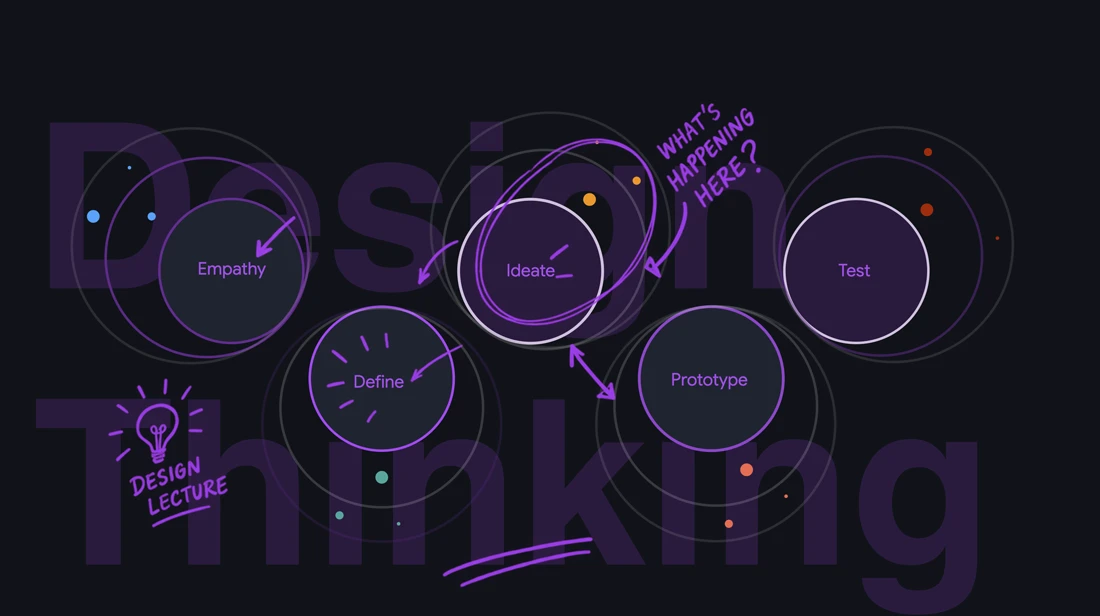
Design Thinking
Design Thinking: What It Is and Why It's So Important for Product Development
- Mon 5 Oct 2026
- 10:00
Temo K. DolidzeProduct design specialist, entrepreneur
About this workshop
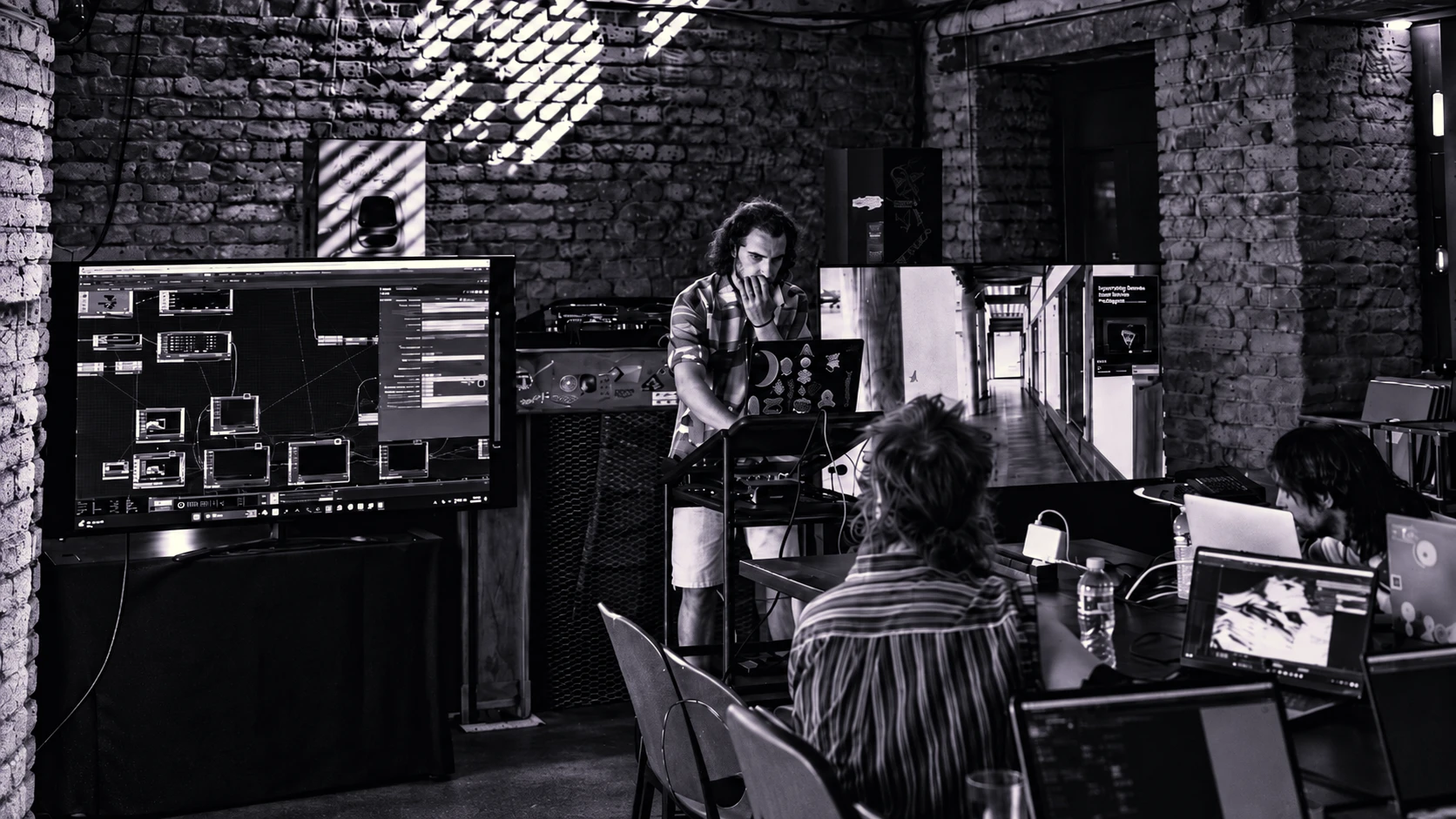
This is a hands-on session for people who have never opened TouchDesigner. The workshop starts by exploring what the software actually is—a multitool for multimedia, rather than a single-purpose app—before participants build something together from an empty network. The primary goal is to get past the initial learning curve, have fun, and leave with a working patch featuring live, interactive parameters that react to sound, a knob, a camera, or a click.
Who it’s for
People who have never opened TouchDesigner.
Absolute beginner. No prior TouchDesigner, coding, or VJ experience is needed. Comfort with any creative software is helpful but not required.
What you’ll explore
A brief talk covering multimedia practice and where TouchDesigner sits within stage visuals, installations, live performance, prototyping, and mapping.
Participants will follow along on their own machines to build a simple, good-looking patch from scratch, learning how a network takes shape and where the image originates.
Learning how sound becomes a number to drive an image, connecting a MIDI controller to a parameter, and using TouchDesigner’s own UI (sliders, buttons, panels) so a patch is playable without any hardware. Depth camera/Kinect integration will be added if the group moves quickly.
Using provided advanced project files, participants will choose an input (MIDI, depth camera, webcam, audio, or UI) and practice getting a couple of parameters of their visual to respond to it.
End of day outcome
Each participant will leave with their own working patch featuring at least two live interactive parameters. They will also take home advanced project files from the session to continue experimenting. Most importantly, attendees will leave knowing how a signal becomes an image, which is the foundational concept for everything built in TouchDesigner.
About the mentor
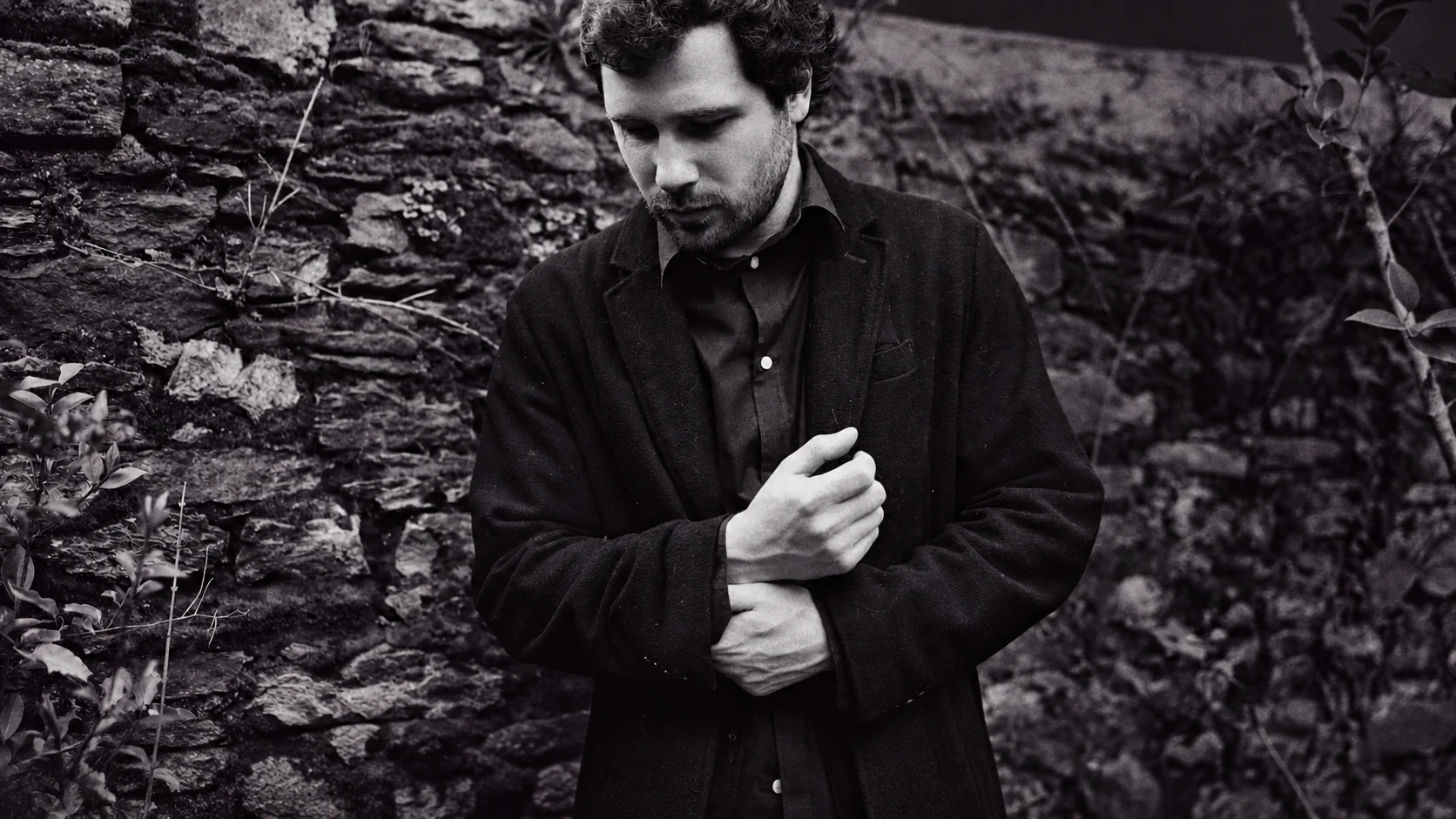
Luka Papashvili is a Georgian multimedia artist working in generative art, live audiovisual performance and interactive installation. He began in graphic and product design, moved through motion design, and now works primarily in TouchDesigner, building real-time systems where sound, movement and presence drive the image as it is generated rather than played back.
Skywalker Visuals is his audio-reactive project, performed across clubs, festivals and stages in Georgia and internationally, with live visual collaborations alongside artists including Boston 168, Nico Moreno, Monolink, The Blaze, Phase Fatale, Vitalic, Octave One and Francis Mercier. His work spans LED stage visuals, projection mapping and interactive installations driven by depth cameras, MIDI, AI tracking and AR/XR media.
He is Visual Director of TKESHI festival, where since 2023 he has led the visual programme and its educational strand. He also created SYNC // STREAMS, a curated series of collaborative live audiovisual sets, teaches TouchDesigner workshops, and publishes custom TouchDesigner assets publicly through Derivative.
Come make it with us
Note
Keep exploring
TalkSold outDesign Thinking
 Workshop
Sound + Visual
Freeregistration required
Book a spot →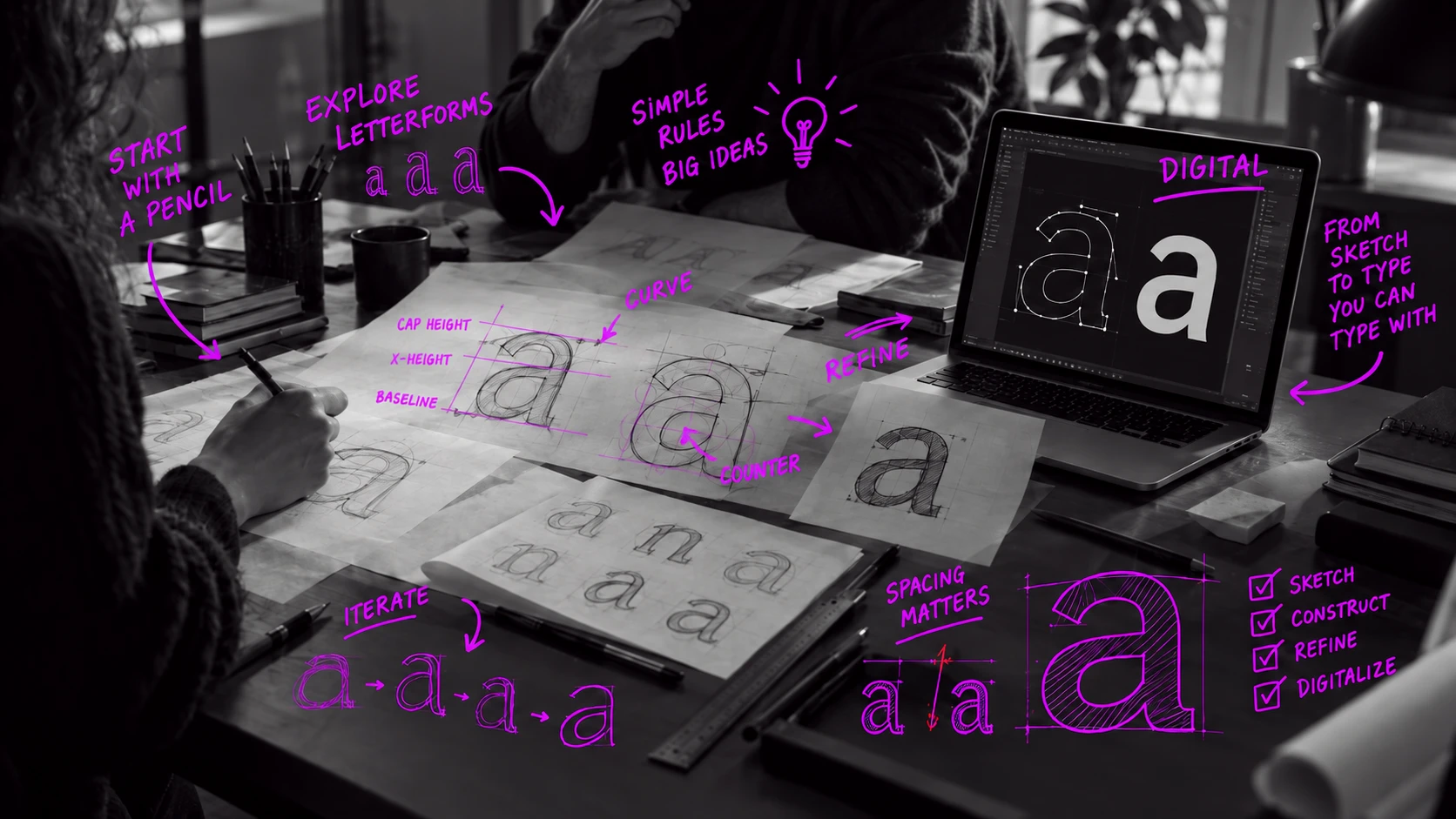 Workshop
Typography